Fast Search
Search by filename, path, tags, and any metadata description already embedded in the file.
Free Desktop App
Your sounds. One place.
A fast, lightweight sound library manager for searching, previewing, organizing, and dragging audio straight into your editor or DAW.
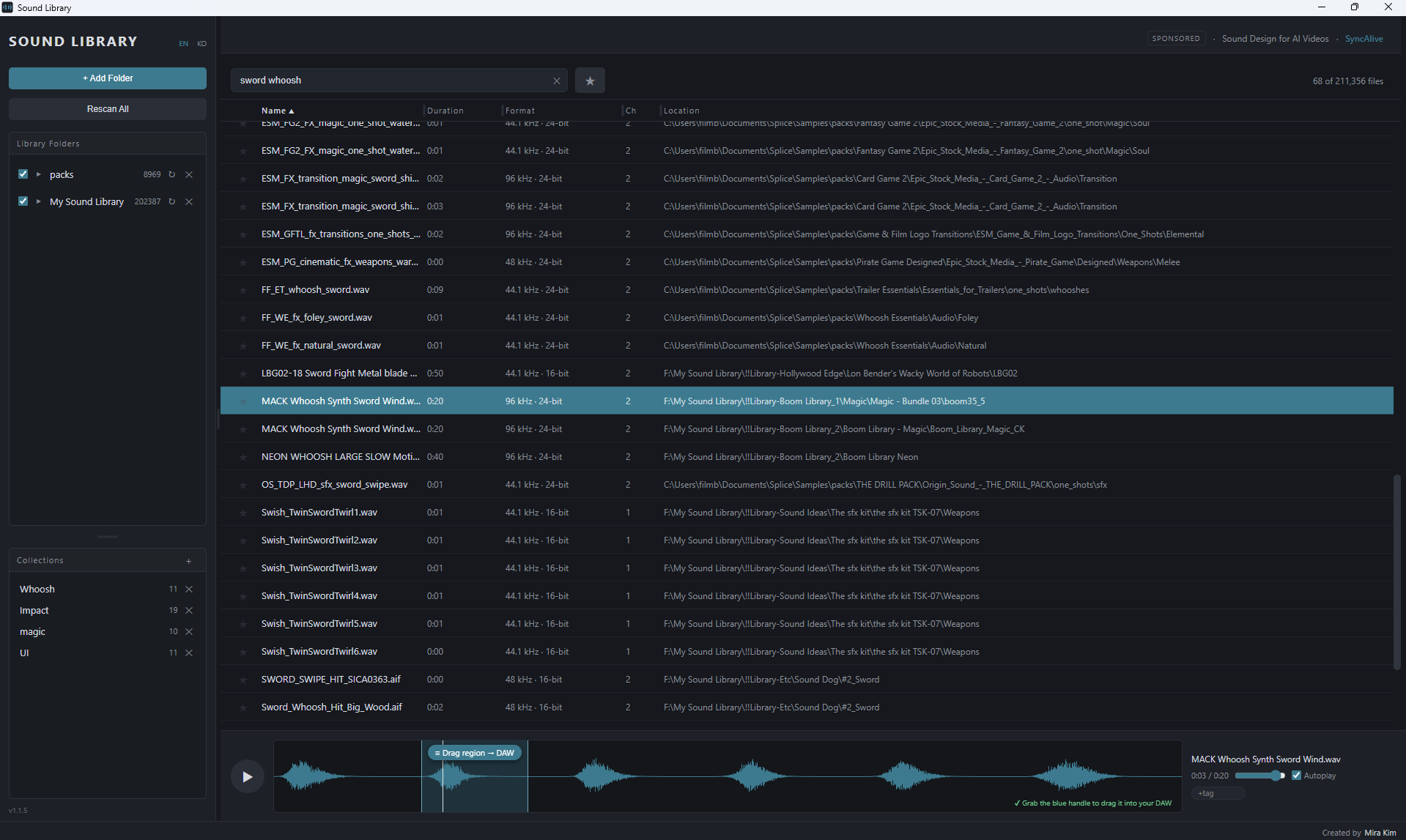
Click to view full size
01Features
Search by filename, path, tags, and any metadata description already embedded in the file.
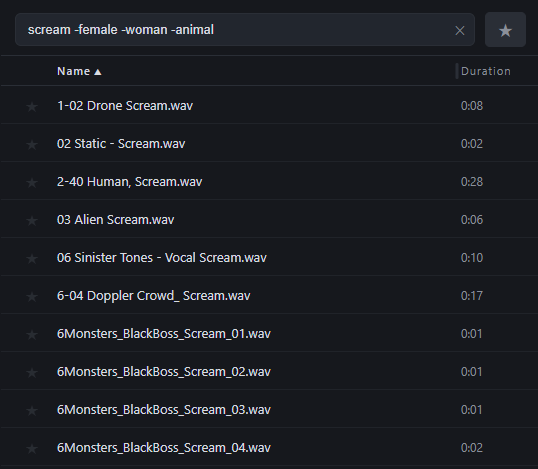
Add "-word" to leave out unwanted results, e.g. scream -female. Matches whole words, so no false positives.
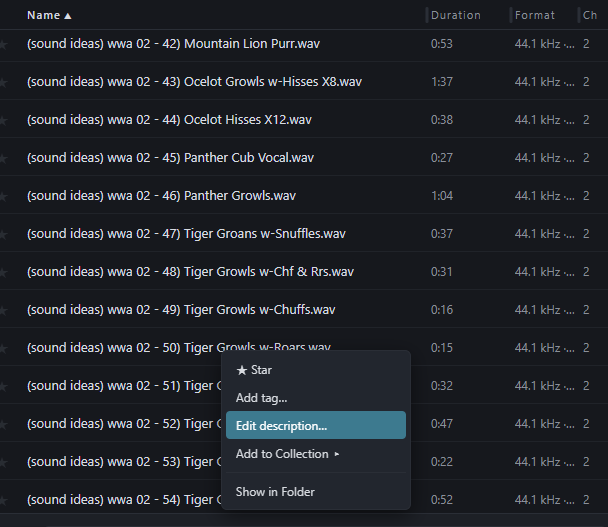
For files with no useful filename or metadata, write a description yourself so it becomes searchable.
Preview sounds instantly without opening another application.
Add your own searchable keywords to your sounds.
Build custom sound sets from files across your library.
Drag sounds straight into Premiere Pro, CapCut, Cubase, Pro Tools, and more.
Select only the part you need from a long file — and drag just that, not the whole thing.
Designed to handle large personal sound libraries with hundreds of thousands of files.
02Workflow
03Privacy
Sound Library indexes the audio files already stored on your computer. Your audio files are not uploaded or copied to our servers.
The app only connects to the internet to load sponsor information.
First launch
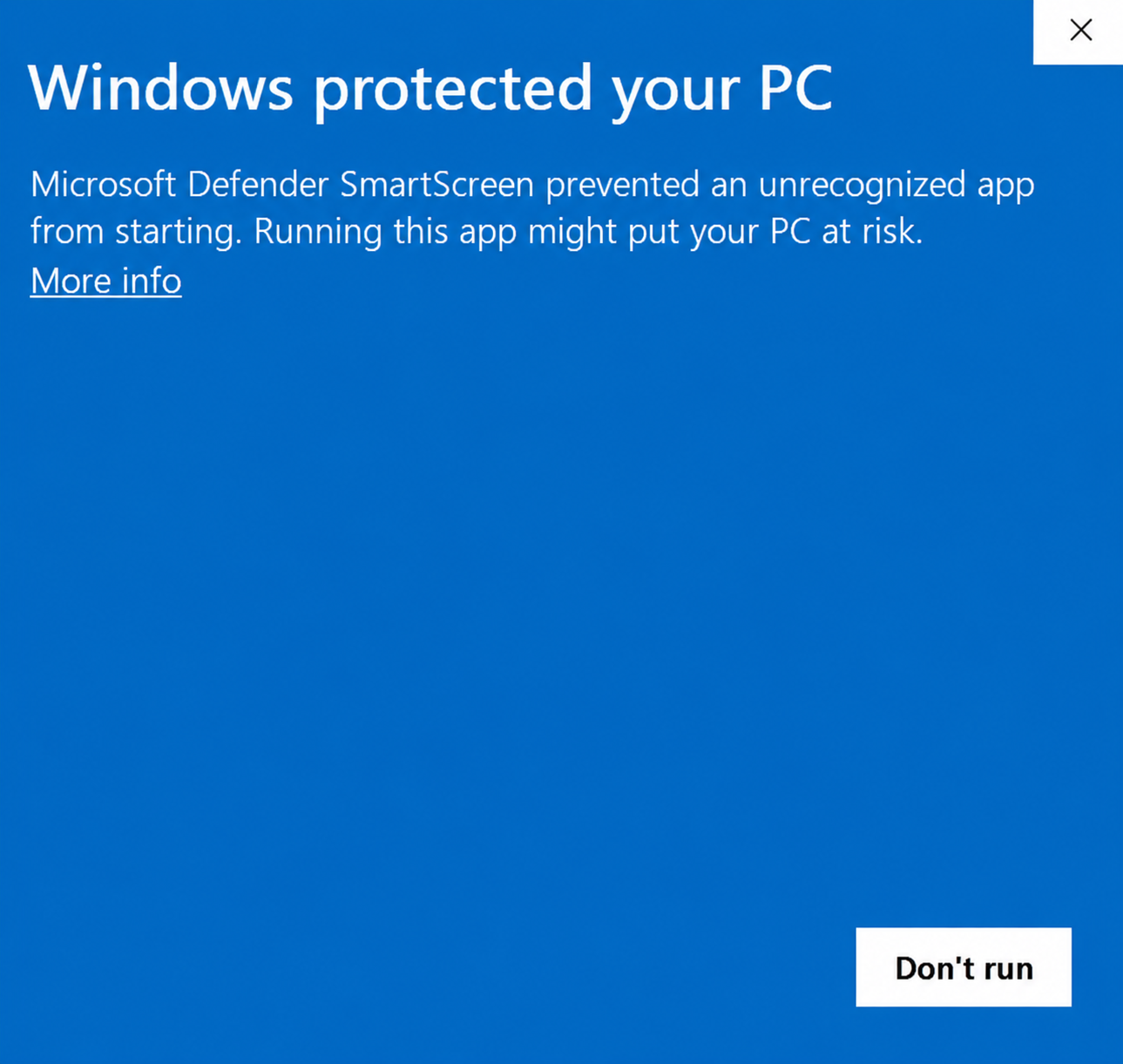
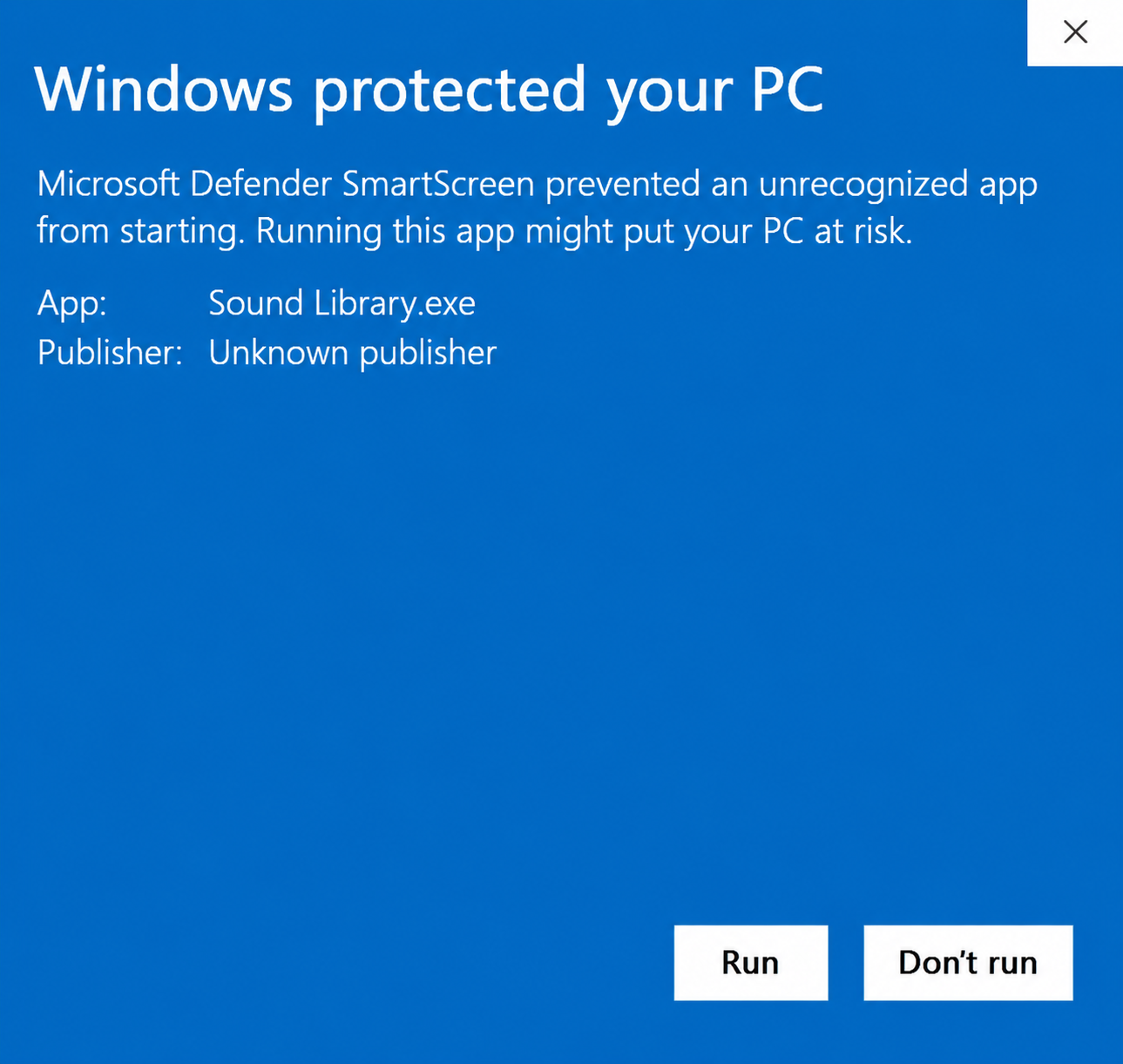
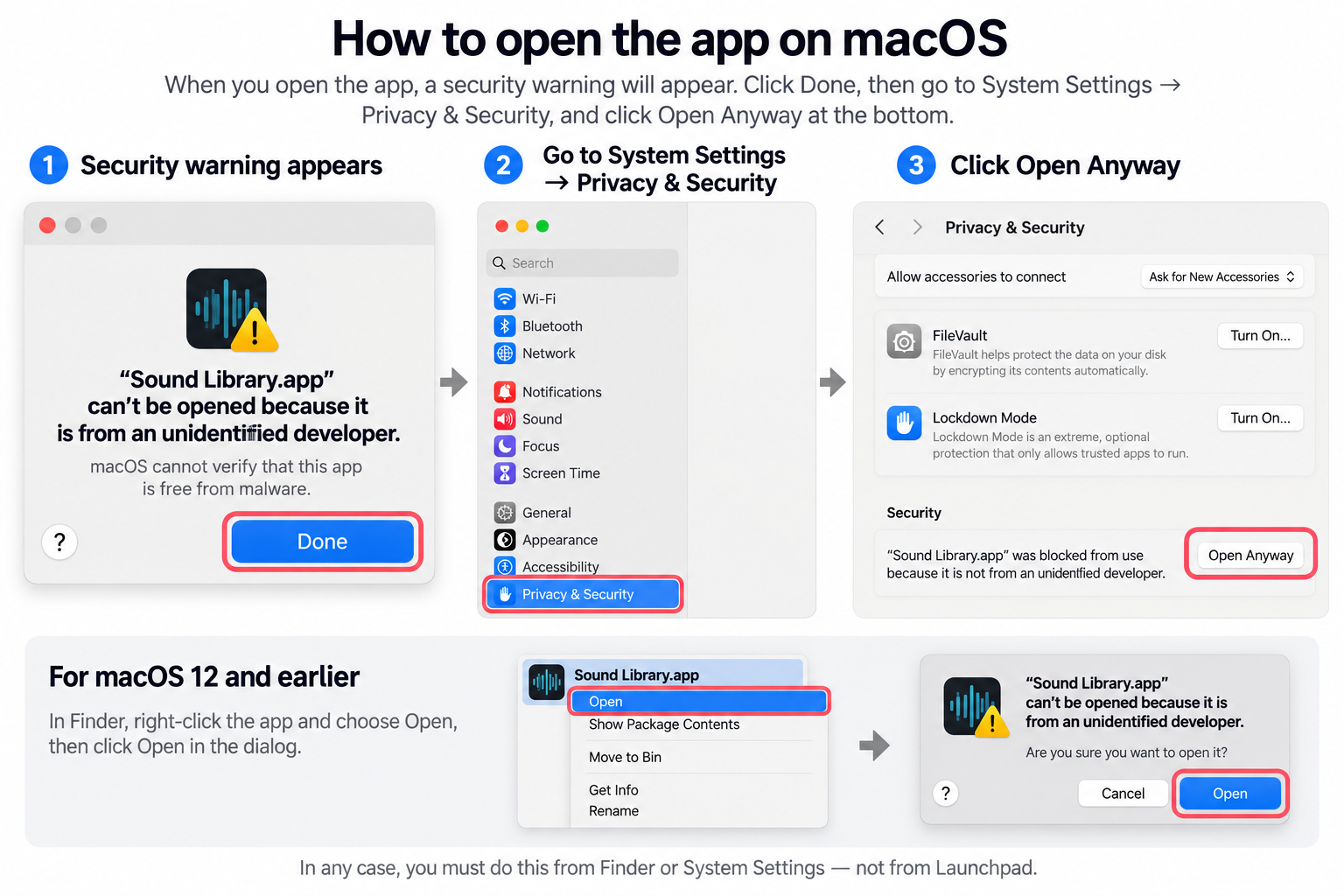
On Windows, SmartScreen may warn about a new app — click “More info”, then “Run anyway”.
04Changelog